Generative AI is becoming a standard part of video advertising. IAB’s July 2026 report found that nearly two-thirds of digital video buyers used generative AI for creative production, up from half in 2025. It also projected that one-third of their ad assets would use generative AI in 2026.
AI UGC video generators apply this approach to creator-style advertising. They turn scripts and product assets into variations of hooks, presenters, offers, and formats, helping teams expand creative testing, address ad creative fatigue, and avoid a separate shoot for every version.
This guide compares nine tools across product workflows, presenter capabilities, creative control, localization, pricing, and use-case fit. It also covers licensing, disclosure, and human review.
The focus is AI-generated UGC-style advertising: synthetic presenters should not be presented as genuine customers or evidence of real customer experiences.
AI UGC Video Generators at a Glance
- Start with your inputs. Choose a workflow that supports your product URLs, images, scripts, or existing videos.
- Test creative control. Check how easily you can change hooks, presenters, captions, and product scenes.
- Compare cost per usable ad. Account for revisions and rejected outputs; credit totals are not directly comparable across vendors.
- Check free-access restrictions. Watermarks, generation limits, and commercial-use permissions matter. Some introductory offers are paid.
- Keep human review in the workflow. Verify product claims, visuals, brand fit, and the purpose of each creative variation.
“Best for” below is an editorial assessment based on official documentation. It describes workflow fit, rather than independently tested superiority.
What Makes an AI UGC Video Generator Different?
An AI UGC video generator creates creator-style advertising from scripts, product assets, or product URLs using synthetic actors or avatars. Depending on the platform, outputs include product demonstrations, unboxing-style clips, review-style presentations, and short social ads.
The distinction lies in the workflow. General AI video generators create scenes or clips. Avatar-only tools focus on the spokesperson delivery used in AI avatar ads. Creator marketplaces connect brands with human creators, while broader AI ad platforms cover multiple creative formats. UGC-oriented workflows bring together creator presentation, product messaging, hooks, and variations.
Adoption is expanding across video advertising. Nearly two-thirds of surveyed digital video buyers used generative AI for video creative in 2026, up from half in 2025, according to IAB’s July 2026 report. These figures cover broader video production, rather than UGC generators specifically.
UGC-style describes the creative format; it does not establish a real customer’s experience. Synthetic actors should never be presented as genuine customers or used to fabricate testimonials. Audience acceptance also requires attention: IAB and Sonata Insights’ 2026 study found that 45% of surveyed US Gen Z and Millennial consumers felt positively about AI-generated advertising. That finding supports a careful approach to presentation and transparency.
How We Evaluated the Best AI UGC Video Generators
Our comparison focuses on documented capabilities that help marketers produce, adapt, and test UGC-style advertising. Production economics matter: 64% of surveyed advertising executives cited cost efficiency as a benefit of AI in IAB and Sonata Insights’ 2026 study. This measures perceived benefits, rather than verified savings from individual tools.
We assess five areas:
- Creator presentation: Actor and avatar options, lip sync, voice controls, and product interaction.
- Production workflow: Product inputs, script and hook generation, editing, and regeneration controls.
- Variation and scale: Creative versions, batch workflows, documented generation speeds, and usage limits.
- Localization and delivery: Languages, translation, captions, aspect ratios, and export restrictions.
- Cost and commercial use: Subscription pricing, credit consumption, and published licensing terms.
Performance claims require a separate standard of evidence. IAB’s July 2026 report found that more than 40% of smaller buyers wanted stronger performance evidence and easier integration with platforms and DSPs. Our comparison therefore distinguishes documented production features from claims about advertising results.
“Best for” reflects an editorial assessment of workflow fit based on official documentation. It does not establish objective superiority or imply hands-on testing of every tool. Descriptions such as “realistic” or “high-converting” remain vendor positioning unless supported by transparent testing or independent evidence.
⚡️These criteria also help teams assess creative automation tools and platforms as their production requirements grow.
9 Best AI UGC Video Generator Tools in 2027
These nine tools support different production priorities, from scripted creator-style videos to product demonstrations, localization, and creative variations. The “Best for” assessments reflect documented workflow fit.
Arcads
Best for: Performance marketing teams and agencies producing recurring batches of actor-led creative.
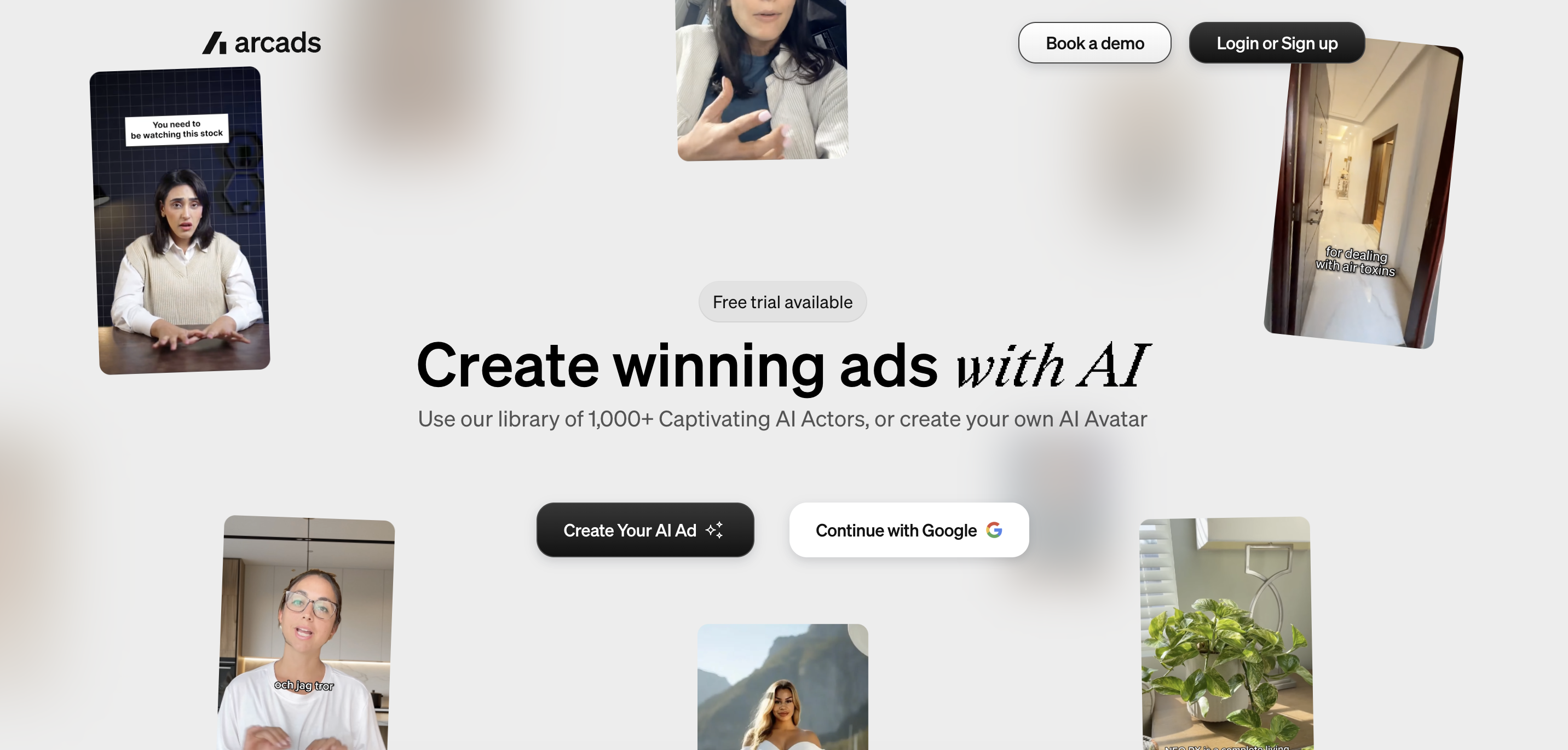
Arcads combines a library of 1,000+ AI actors with custom actor creation and product-presentation tools. Its Mark assistant provides a product-driven route: supply product information and creative direction, then generate scripts, scenes, and assembled UGC-style ads. This gives teams options for both scripted delivery and broader concept development.
Documented controls include actor replacement, voice changes, emotion direction, captions, translation, video extension, and remixing. Arcads also describes reusable canvas workflows for coordinating production. Its website lists translation in more than 30 languages.
The homepage advertises a free trial. Paid access follows a subscription-and-credit model, with allowances determined by the selected offer.
Its actor selection and variation tools suit teams that already have a testing strategy. Credit consumption needs careful checking: Arcads’ terms explicitly state that one generated video can consume more or less than one credit, so credit totals cannot be treated as video counts.
Bandy AI
Best for: E-commerce teams that prefer conversational briefing and refinement for product-led advertising.
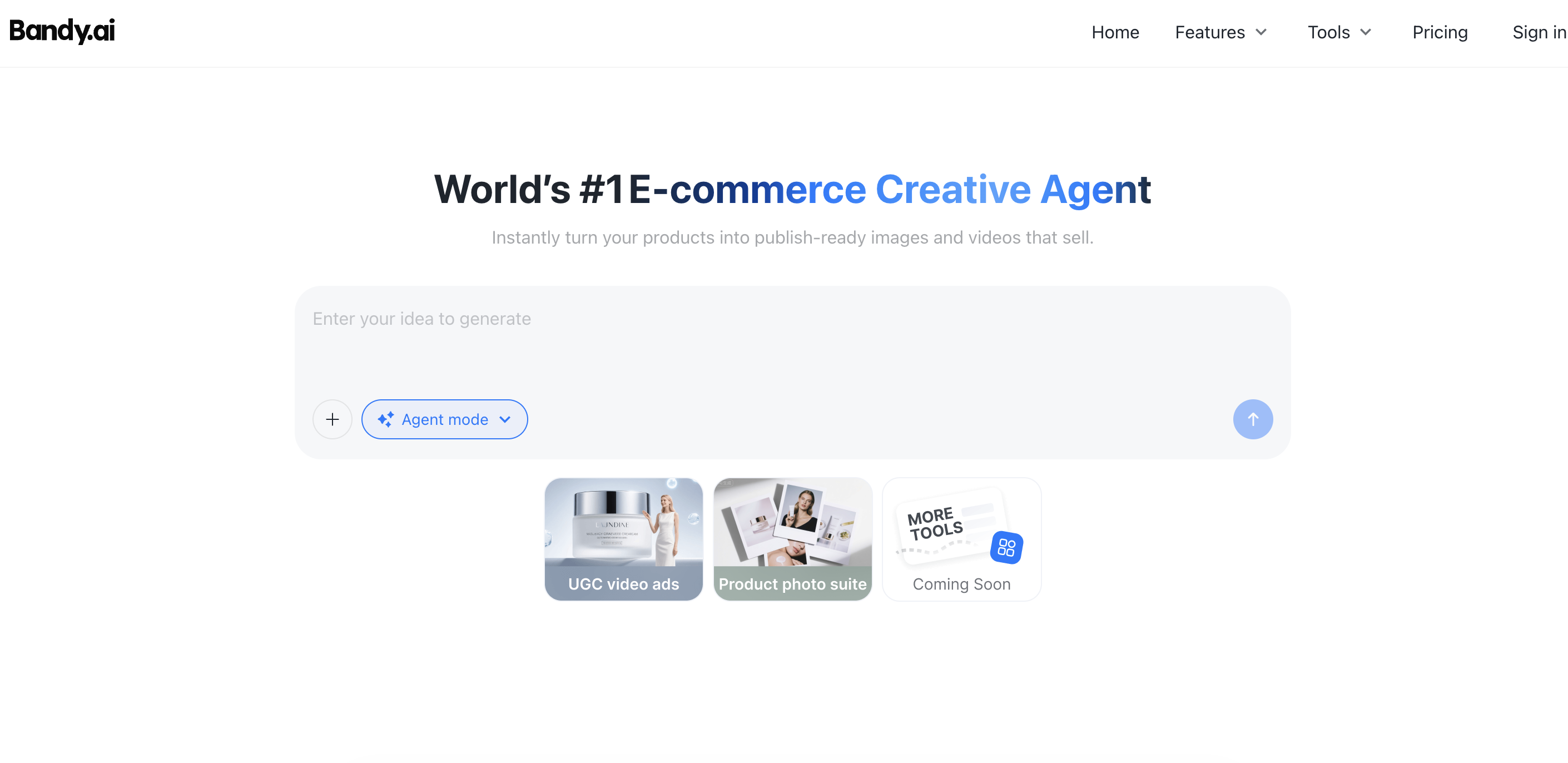
Bandy accepts product links, images, videos, or creative instructions. Users can write a script or generate one, select an AI avatar, and develop a creator-style product ad through its chat interface. The same environment includes related product-visual tools, including product-in-hand imagery and virtual try-on.
Refinement happens through chat instructions, allowing users to adjust messaging, style, and presentation. Bandy documents MP4 exports and adaptations for advertising and commerce channels, including TikTok, Instagram, Shopify, and Amazon. This workflow may appeal to teams that want to describe changes in plain language.
Its pricing page lists Free, Lite, and Pro options, with credits and concurrent-task allowances. Confirm the current subscription price and free video allowance during signup.
Bandy brings product imagery and UGC-style video into one workspace. However, its published image allowances do not establish how many video ads a credit balance will produce. Evaluate the generation charge for your intended video workflow before estimating monthly output.
Creatify
Best for: E-commerce advertisers building UGC-style videos from product URLs within a broader creative workflow.
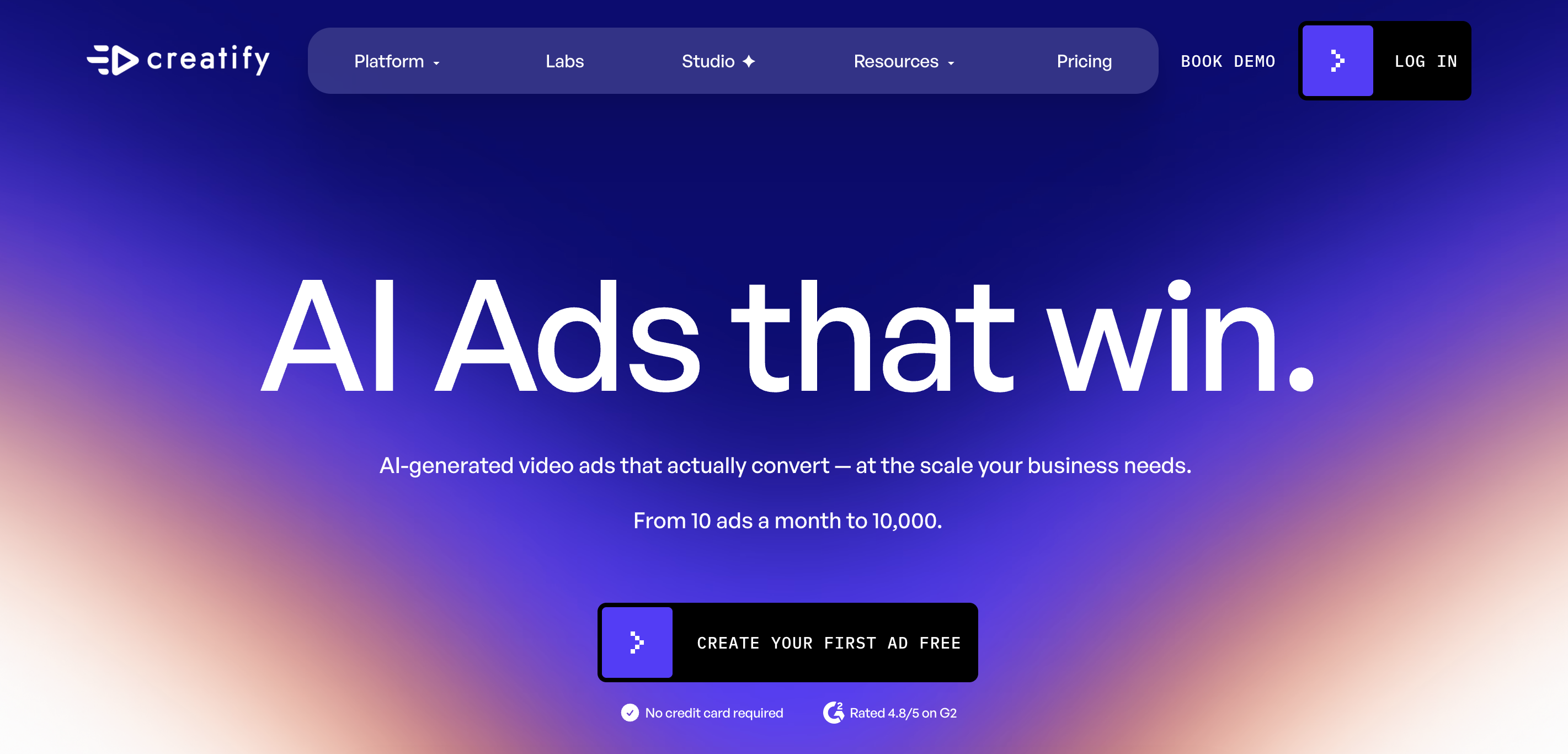
Creatify can turn a product URL, image, or brief into an ad combining a script, avatar, voiceover, B-roll, music, and captions. Its dedicated UGC offering sits alongside product-video and advertising tools, making it relevant to teams that need several creative treatments for the same product.
The platform documents hook generation, templates, actor selection, and multilingual production. Its plan comparison lists 75+ languages, while actor-library access and other capabilities vary by tier. Advertisers can therefore compare both creative flexibility and the features available on their intended plan.
The free plan provides 10 monthly credits and watermarked exports. Paid subscriptions expand access and remove watermarks.
Creatify connects product inputs with scripts, presenters, and supporting assets. Its main budgeting limitation is variable consumption: official billing documentation says Agent, Ad Flow, and Ad Clone costs depend on generation complexity and attempts, and cannot always be established upfront.
CreateUGC
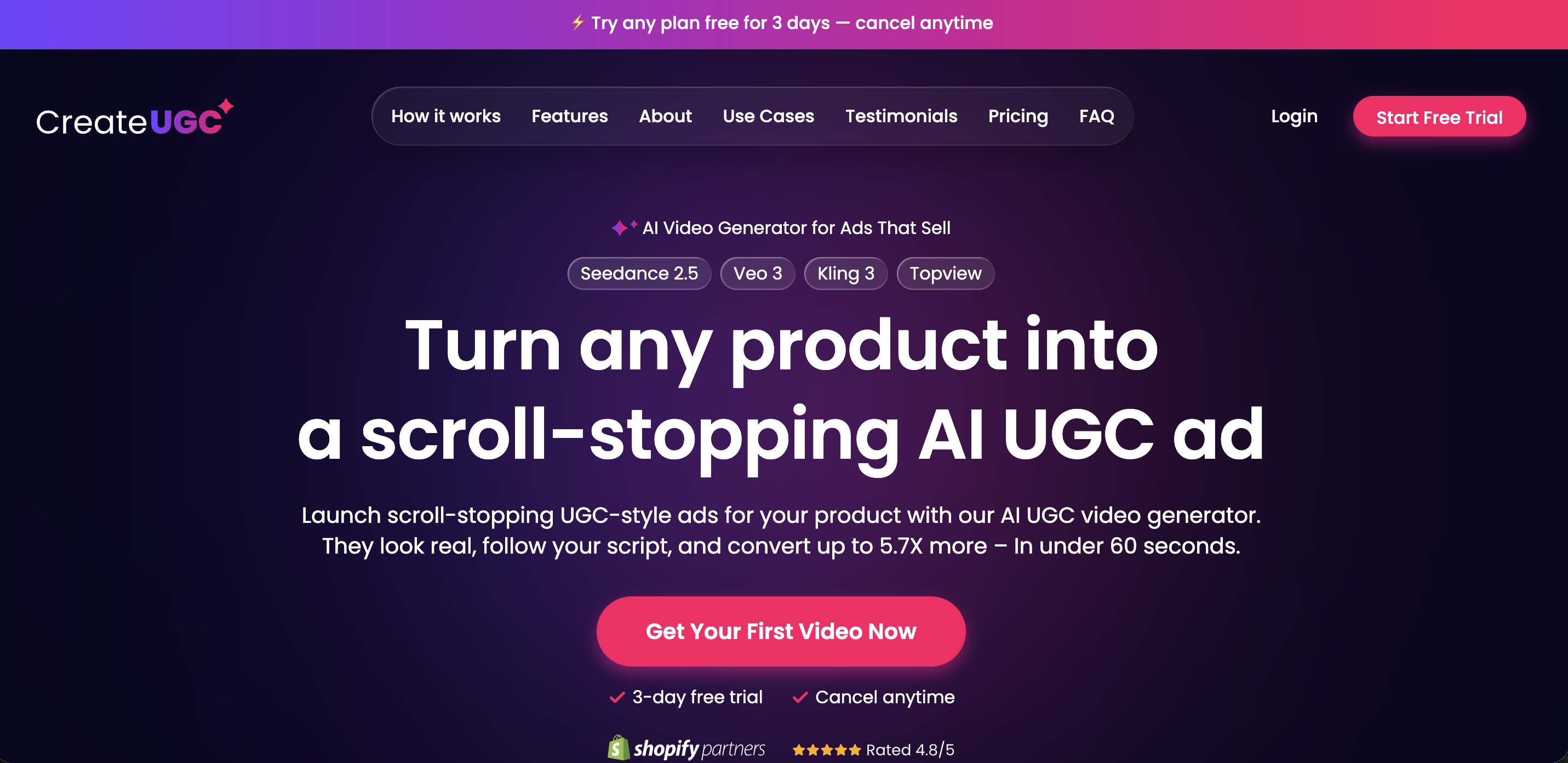
Best for: E-commerce teams producing product-focused creator-style videos from marketplace listings.
CreateUGC imports information from supported product links and offers several production paths, including product reaction, product-in-hand, product spotlight, avatar-and-script, and character swap. Users can select or edit scripts, choose product visuals, review previews, and generate a finished version.
Its help guide documents a timeline editor, text overlays, captions, uploaded media, and avatar replacement. It also lists voiceovers in 30+ languages and vertical, square, and landscape formats, with availability depending on the video type. These controls support adaptation after initial generation.
Launch, Scale, and Max subscriptions provide different monthly credit allocations. The updated help guide describes a three-day trial with 30 credits.
Product-link importing and post-generation editing suit recurring product campaigns. However, the updated help guide and public pricing page differ on trial allowances and whether features are restricted by tier. Confirm the selected offer’s product-in-hand, language, and trial access before subscribing.
HeyGen
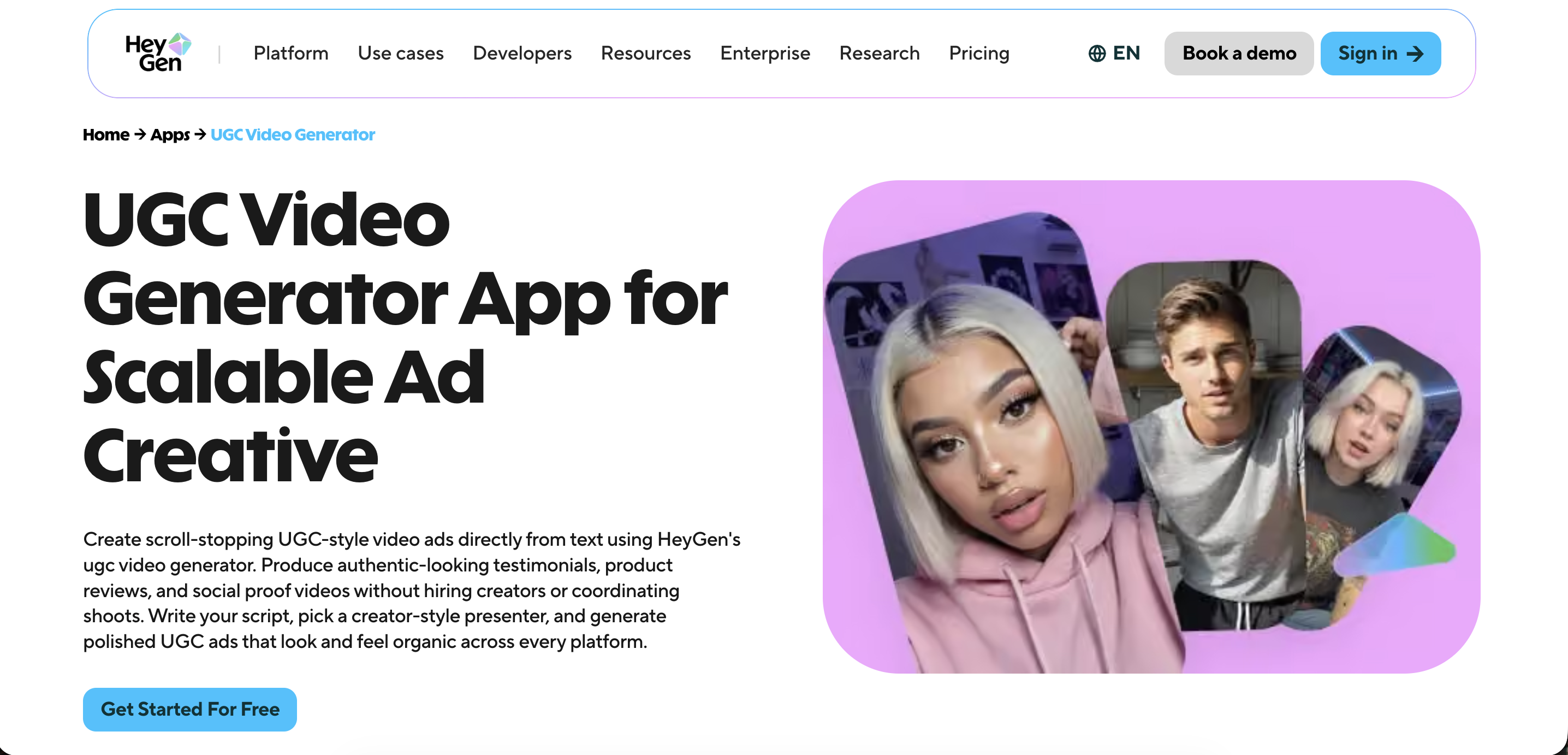
Best for: Teams combining multilingual UGC-style advertising with other presenter-led video production.
HeyGen’s dedicated UGC workflow starts with a script and a creator-style presenter. Product placement, branded backgrounds, captions, and voice options can then support product explainers and social advertising. Its broader avatar toolkit is useful when a team also produces spokesperson videos, educational content, or localized brand communication.
HeyGen documents changes to presenters, backgrounds, hooks, and calls to action, alongside pacing and scene controls. Paid plans list 175 languages and dialects. Vertical, square, and landscape exports support adaptation across social and video placements.
The free plan allows up to three videos per month, with limited premium-feature access. Paid plans allocate credits across video and asset creation.
Presenter customization and localization are its clearest workflow advantages. Production volume depends on the chosen model, duration, and feature mix: premium avatars, translation, and generated assets draw on the credit budget, so a subscription does not provide unlimited access to every capability.
MakeUGC
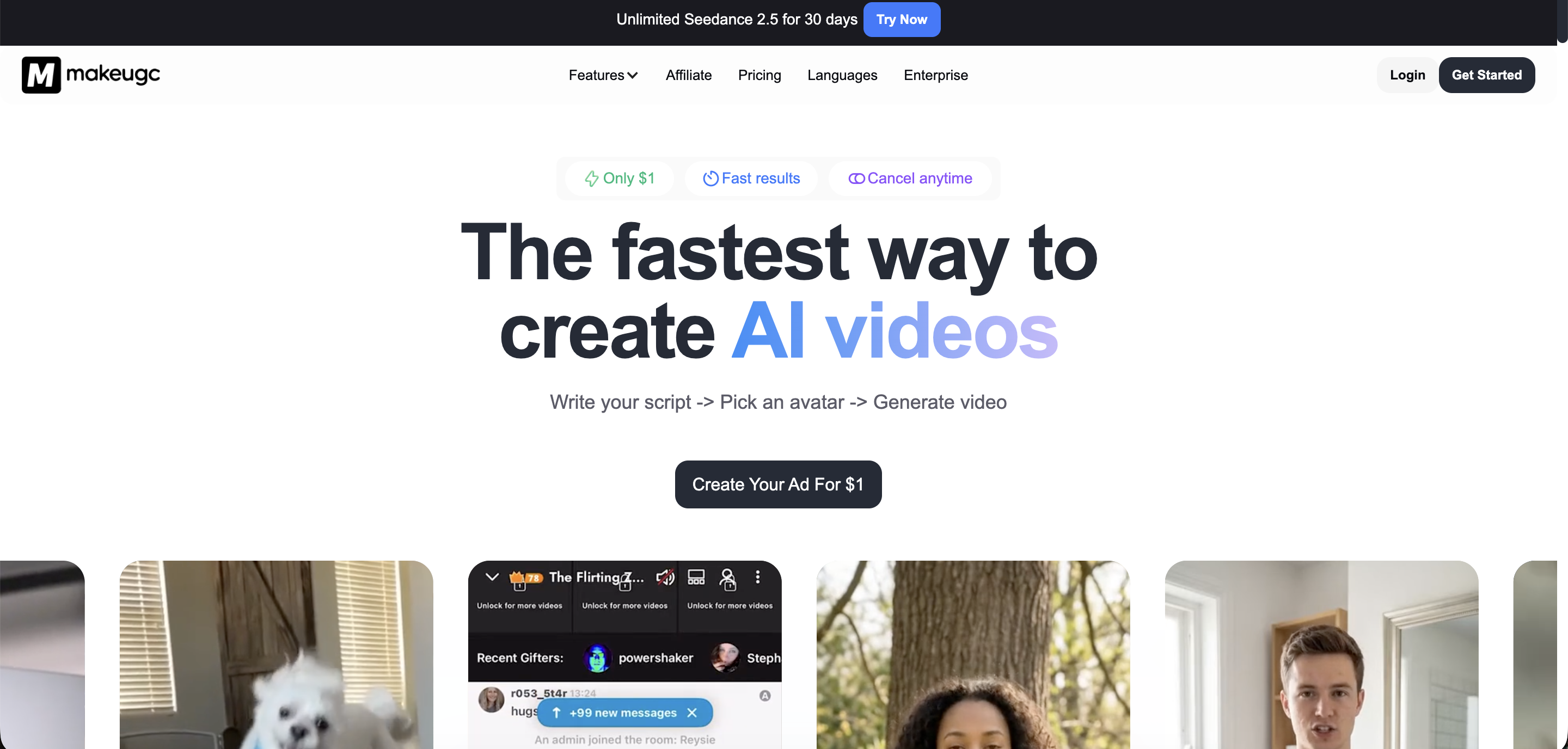
Best for: Teams producing repeated actor-led ad variations with product-presentation and editing requirements.
MakeUGC’s core sequence is straightforward: write a script, choose an actor, and generate a video. Its official site lists 1,000+ AI actors, custom actor creation, product-in-hand videos, and motion-control features. These options support both talking-head delivery and more product-centered creative concepts.
The built-in editor supports captions, music, B-roll, and trimming. The platform also describes custom automated workflows, while its Growth offering explicitly includes Batch Mode. Published plan information lists 50+ languages and HD, 2K, and 4K export options.
MakeUGC uses recurring subscriptions with monthly credits and separate API offerings. Its website advertises introductory access for $1; check the subsequent renewal price.
Actor generation, product presentation, and editing are available within one production environment. Plan selection still matters: selected-model access appears in the entry offering, Batch Mode is highlighted under Growth, and product-in-hand and Video Agent capabilities appear in Pro. Verify access to the specific workflow you intend to scale.
Topview
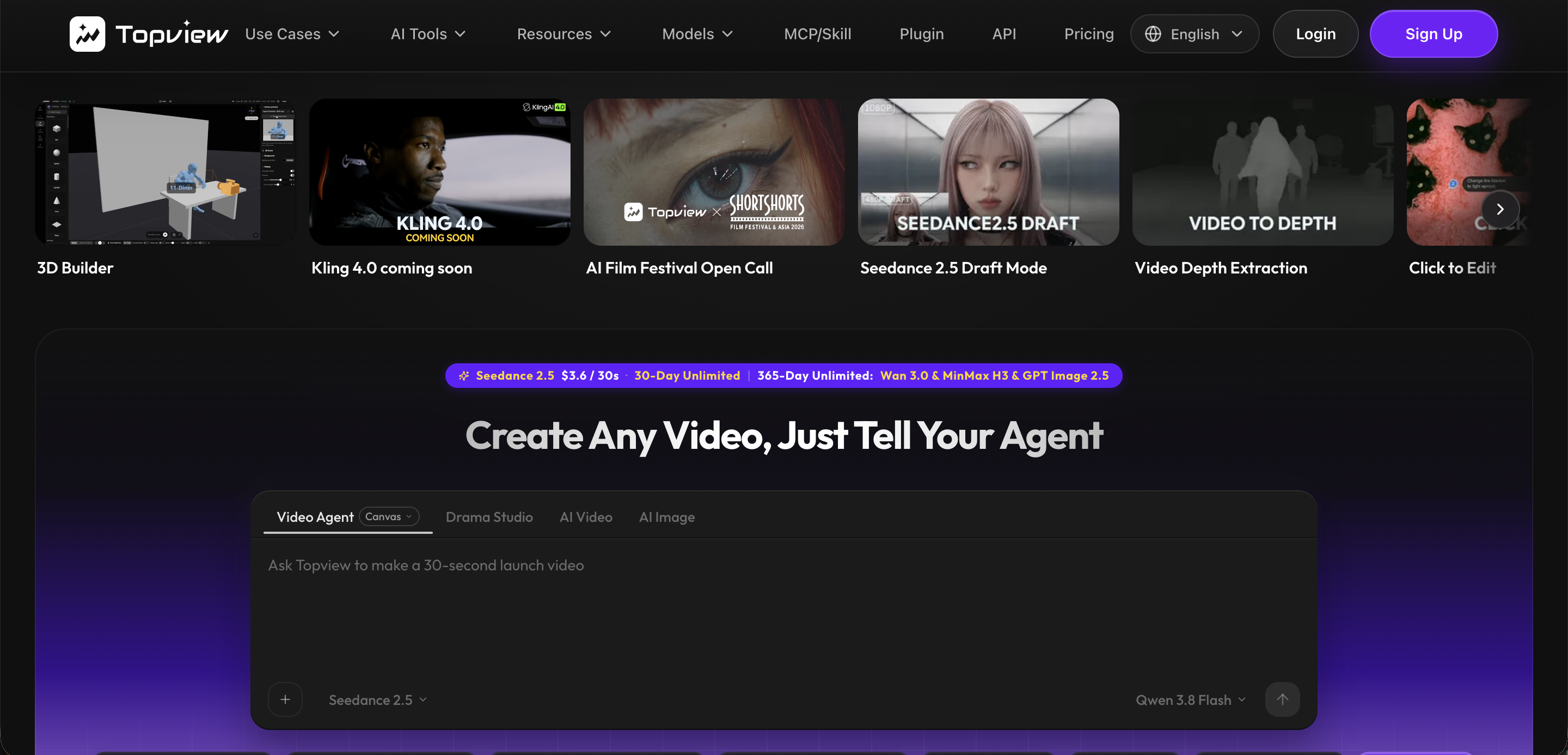
Best for: Product advertisers who want an editable, scene-based workflow from links, assets, or briefs.
Topview’s UGC workflow accepts product links, images, scripts, and campaign instructions. Its agent develops creator-style scenes with presenters, hooks, voiceovers, captions, product moments, and calls to action. The link-to-video route also extracts product-page context to help structure the initial creative brief.
Canvas provides an environment for reviewing and iterating on generated scenes. Topview documents variations in hooks, offers, creator presentation, languages, and calls to action, giving marketers several dimensions to change when developing a testing batch. Its UGC offering includes localized ad variations.
The product-link workflow advertises free testing credits. Paid plans combine credit allowances, concurrent-task limits, and model-specific offers.
Topview connects product context with editable scene construction. Its “unlimited” offers require close reading: the pricing page limits them to specified models and access routes, and excludes API and other automation methods from those credit-free allowances. Check those conditions when planning automated production.
UGCVideo.ai
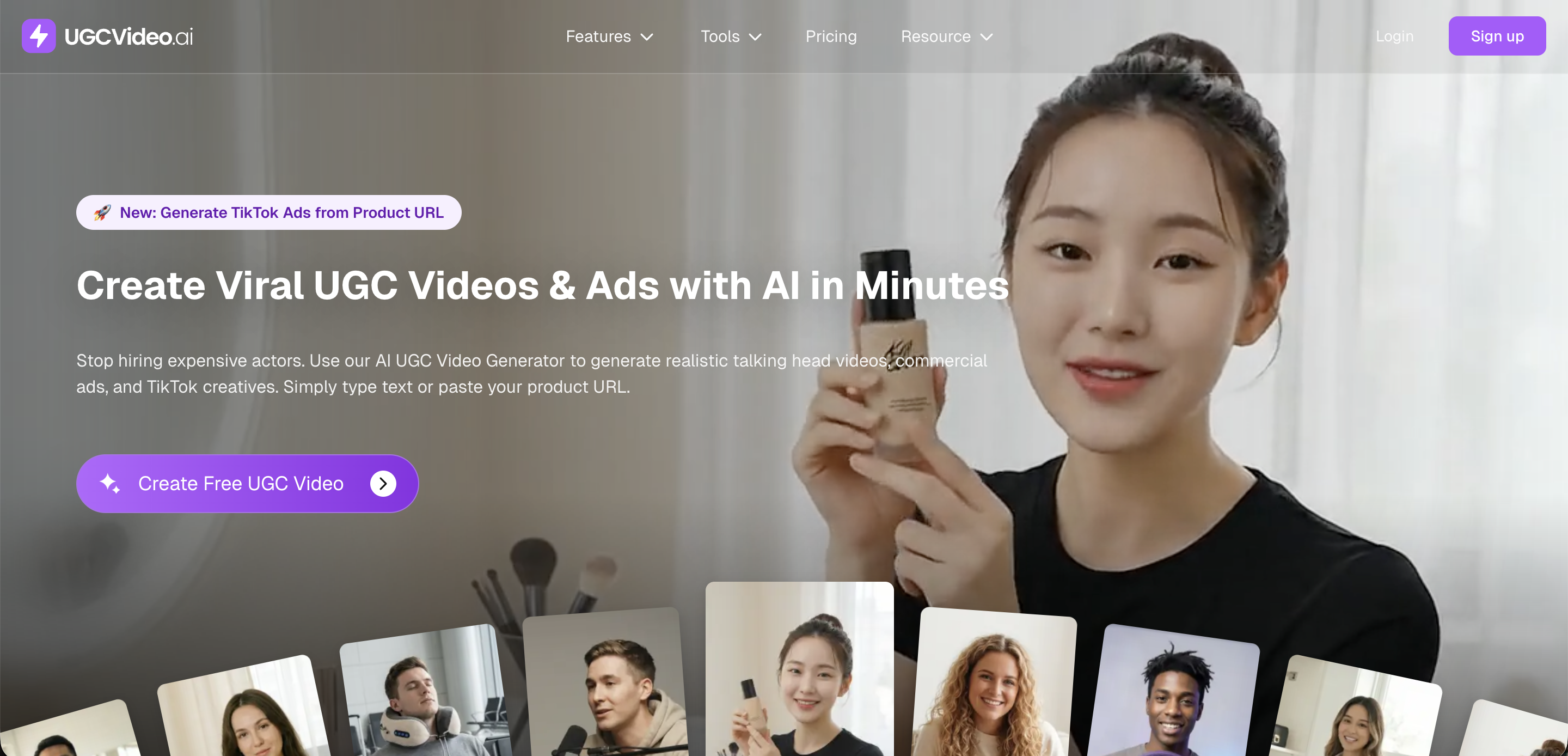
Best for: Smaller teams evaluating a template-led workflow for avatar-based product advertising.
UGCVideo.ai starts with an avatar and template, followed by a script or product URL. Users can also upload a photo or use the AI script writer before generating an MP4. This provides a guided route from product information to creator-style advertising without requiring the team to construct every scene independently.
Documented settings include voice, language, and gestures. Users can develop variations through different presenters, templates, and messages, while paid tiers increase concurrent-generation allowances. Higher-tier access also includes an advanced Video Agent workflow.
The free plan lists up to two videos per month, watermarked exports, and personal, non-commercial use. Paid plans advertise watermark removal and commercial-use rights.
The guided workflow offers a practical starting point for testing scripts and presentation. The free tier is unsuitable for commercial advertising. Paid access also does not automatically clear every uploaded asset: the terms place responsibility on users to assess any third-party permissions required for commercial output.
Zeely
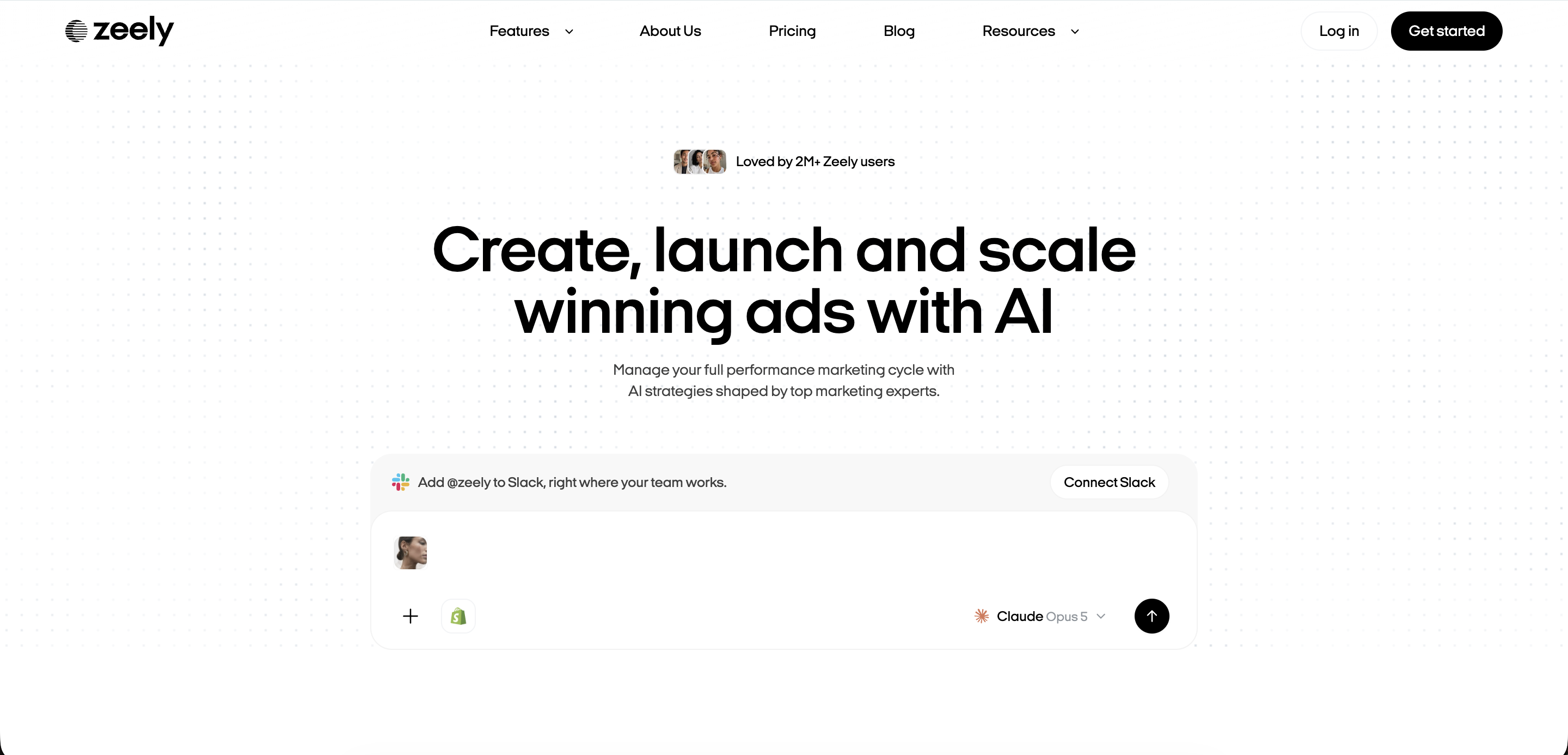
Best for: Smaller brands that want creative production and campaign-launch tools in the same environment.
Zeely’s documented UGC process starts with a product link or manually entered product information. Users then select a video template, choose an avatar, generate a script, and render the ad. Its script generator uses advertising frameworks such as AIDA and PAS to structure the message.
Templates, avatar choices, script changes, and avatar customization provide ways to develop alternative executions. Zeely documents direct campaign launching on Facebook and Instagram, plus exports for other advertising channels. This makes the transition from creative production to activation part of its appeal.
Its published plans combine creative credits with campaign features. Check the current checkout offer, since advertised plan prices and the page’s FAQ starting price differ.
Zeely suits businesses seeking a guided production-and-launch workflow. Teams with detailed editing requirements should evaluate the available controls against their own brief. Campaign-launch support also varies by destination: the documented direct Facebook and Instagram workflow should be distinguished from exporting assets for use elsewhere.
AI UGC Generator Pricing Compared
The monthly subscription price does not reveal the full cost of an AI UGC generator. Credits are vendor-specific units: their purchasing power depends on the video model, duration, resolution, and workflow. Compare the cost of producing usable UGC-style ads, including revisions and exports.
CreateUGC’s newer help guide supplies the trial allowance above; its pricing page still describes a different video-based trial limit. Confirm the checkout offer before subscribing.
A defined conversion makes output estimates useful. Creatify charges five credits per 15 seconds, rounded up, for its standard Video Ad and Avatar Video tools. Allocating all 100 Starter credits to initial 15-second generations therefore yields 20 videos—an estimated $1.95 each. Revisions and additional assets reduce that allowance; Agent, AdFlow, and AdClone use variable credit costs.
Scaling costs also depend on access and capacity:
- Batch production: MakeUGC lists Batch Mode on Growth at $79/month with 1,000 credits.
- Additional capacity: HeyGen Creator and Pro users increase credits through plan upgrades; Business supports credit purchases and additional paid seats.
- Automation: Topview’s unlimited offers apply to specified models in its web interface and exclude API and automated workflows.
Track total production spending against ads approved for use, including revision time. Recheck prices, trial renewals, credit rates, export restrictions, and commercial-use terms immediately before publication.
Which AI UGC Generator Is Best for Your Use Case?
Choose an AI UGC generator around your production inputs, testing volume, and target markets. IAB’s July 2026 report projected that generative AI would be used in one-third of surveyed buyers’ ad assets during 2026. Tool selection should support a repeatable creative workflow as that production expands.
E-Commerce and Product-to-Video Ads
Start with the input your team already has:
- Product URLs: Shortlist Creatify or Topview for workflows that extract product information and develop scripts, scenes, and advertising assets.
- Product demonstrations: Consider CreateUGC for its product-in-hand and product-spotlight workflows, checking the supported model and format.
- Images and conversational briefs: Consider Bandy AI when your team prefers refining product presentation and messaging through chat instructions.
Evaluate product accuracy, script control, generation time, and social-ready exports using the same product brief.
High-Volume Creative Testing
Shortlist Arcads for actor and script variations, MakeUGC for its documented Batch Mode, and Topview for editable Canvas workflows. Compare concurrent-generation limits, reusable assets, editing, and consistency across versions.
Measure cost per usable creative, including charged revisions. For example, Creatify’s standard Video Ad and Avatar Video workflows charge five credits per 15 seconds, rounded up. Its Agent workflows use variable charges, so the same credit balance can support different production volumes.
Creator and Presenter Capabilities
Arcads advertises 1,000+ AI actors and emotion-direction controls. HeyGen documents voice cloning, presenter changes, and product placement. These are useful shortlist criteria when casting variety or delivery control matters.
Compare lip sync, pronunciation, gestures, product interaction, and script delivery using a consistent sample. A large avatar library establishes casting choice; comparative realism or visual-quality rankings require transparent testing.
Multilingual and Localized UGC Ads
Verify your target dialect, voice options, translated lip sync, and caption controls. Human review should check whether the message, offer, and product claims suit each market.
Free or Lower-Cost Testing
Confirm export permissions and commercial-use terms before launching an ad. Use the trial to validate a complete workflow, then plan how you will produce AI video ads at scale.
What to Check Before Choosing an AI UGC Tool
Evaluate an AI UGC tool against the ads you need to publish. Before committing, work through this checklist:
- Cost per usable output: Include failed attempts, revisions, additional assets, and editing time. Check credit expiry, rollover, automatic renewal, and charges after introductory offers.
- Free-plan restrictions: Confirm generation caps, available models, watermarks, export limits, and whether commercial use is permitted.
- Commercial-use rights: Read the current plan-specific legal terms for paid advertising, client work, and continued use after cancellation. For example, Creatify’s terms distinguish rights in original output from limited licences for its Community Assets. Download access does not establish commercial rights.
- Avatar and voice licensing: Confirm permission for each likeness and voice, including custom clones. Check restrictions on industries and scripts: Arcads’ terms allow creator-specific limits on sectors and uses.
- Music and stock assets: Verify that each asset’s licence covers your intended advertising use. MakeUGC’s Custom Avatar Policy requires incorporated media, voices, and music to be owned or fully licensed by the user.
- Product-image handling: Check upload permissions and whether generation preserves packaging, logos, colours, and product details. Review demonstrations for invented functions or results.
- Editing and regeneration: Test script, caption, scene, and voice changes. Establish what requires another paid generation and whether previous versions remain available.
- Formats and languages: Confirm aspect ratios, resolution, file formats, caption options, pronunciation, and translation quality for each target market.
- Teams and APIs: Check seats, approval workflows, concurrent generation, shared assets, API access, and separate automation charges.
- Privacy and data use: Review retention, deletion, training use, and opt-outs. For example, Topview’s terms permit training use for customers outside an Enterprise Agreement unless they opt out.
AI disclosure requires a separate check. Requirements vary by advertising platform, jurisdiction, content type, and how the synthetic person is presented.
Present synthetic actors as scripted presenters, not genuine customers. An AI disclosure does not make a fabricated customer testimonial permissible. The US FTC’s guidance permits AI avatars in marketing while prohibiting fake or false underlying testimonials.
Recheck platform policies and applicable legal requirements immediately before publication and campaign launch.
Where AI UGC Still Needs Human Creative Input
Faster generation increases creative throughput. Human teams still need to decide what each ad communicates, whether its claims are supported, and what its variations should test.
- Hooks and positioning: Identify the audience’s problem, relevant product benefit, and opening angle. Choose language and presenter delivery that fit the brand.
- Scripts and product claims: Verify specifications, offers, demonstrations, and supporting evidence. Remove invented customer experiences or unsupported results.
- Pacing and visual QA: Review the opening seconds, scene order, captions, pronunciation, lip sync, product appearance, and call to action.
- Testing strategy: Give each variation a clear hypothesis. Change hooks, actors, offers, or delivery deliberately, then use campaign results to guide the next iteration.
Transparency also belongs in the creative brief. In IAB/Sonata’s 2026 survey, 73% of US Gen Z and Millennial respondents said knowing an ad used AI would increase or leave unchanged their likelihood to purchase. Decide how disclosure fits the layout and pacing, then evaluate the finished ad in testing.
⚡️A repeatable brief, review process, and feedback loop help teams automate AI ad creative production and scale what works.
How AI Digital Scales UGC-Style Creative Production
AI Digital’s AI Creative Studio is a production partner for brands that need UGC-style creative alongside a wider campaign asset mix. It combines AI-native workflows with experienced creative talent, while human judgment guides strategy, brand discipline, and execution.
The service connects four areas of production:
- UGC-style video creation: Platform-native social video assets, supported by audio engineering and AI or human voiceovers.
- Adaptation at scale: Multi-platform versioning, aspect-ratio resizing, shorter cuts, and cross-channel format adaptation extend concepts across placements.
- Creative iteration: AI-assisted ideation, storyboarding, and rapid prototyping support concept development. Automated tagging and asset repurposing help organize and reuse creative.
- Multi-format campaigns: Static-to-video generation, motion graphics, HTML5 rich media, and interactive CTV overlays with QR-enabled experiences expand the available asset mix.
The Studio’s approach considers where an asset runs, who it reaches, and its intended campaign role. For brands coordinating recurring creative refreshes, that connects UGC-style production with the formats and versions required by a broader media plan. Creative judgment remains part of the workflow as production scales.
Choose the AI UGC Tool That Fits Your Creative Workflow
The best AI UGC video generator depends on your inputs, required creative control, variation volume, and production costs.
Shortlist two or three tools and test the same product brief in each. Compare usable output, editing effort, and spending after revisions. Confirm that exports, licensing, and language support meet your needs before committing to a subscription.
⚡️For support coordinating concepts, variations, and campaign formats, discuss scalable UGC-style creative production with AI Digital.